Let’s be honest. When most people mount a dash cam on their windshield, they’re thinking, “Finally, I’ve got proof if something happens.” And that’s a totally reasonable thought. But here’s what a lot of drivers don’t realize until it’s too late: that same camera recording the other driver blow a red light? It also caught that you were going 12 miles over the speed limit when it happened.
That’s not a reason to skip the dash cam. It’s a reason to understand what you’re working with because when used the right way, dash cam footage can be one of the most powerful tools in your corner after a crash.
So What Exactly Is a Dash Cam?
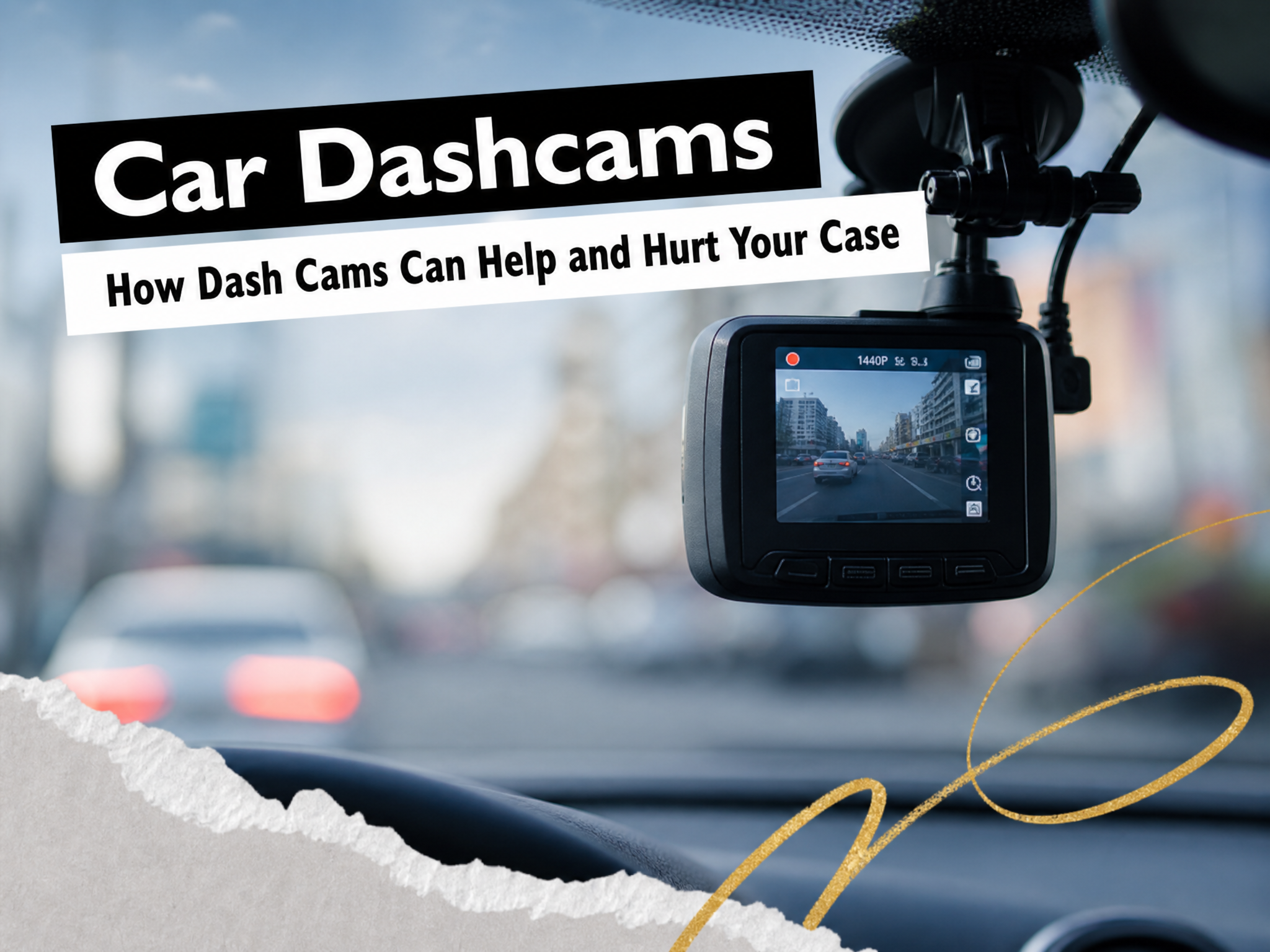
A dash cam is a small camera that mounts to your windshield or dashboard and records continuously while you drive. Most have a front-facing lens, and plenty of models now include a rear camera too. Some drivers especially rideshare and delivery workers also use interior cameras that face the cabin.
Today’s cameras come loaded with features: built-in GPS that logs your speed and location, Wi-Fi so you can pull footage straight to your phone, and HDR processing that helps capture clear images even in low light or heavy glare. That last part matters more than you’d think being able to actually read a license plate at night can be the difference between identifying a hit-and-run driver and losing them forever.
Tech reviewers will talk your ear off about resolution specs and app integrations. What we care about and what you should care about is how that footage plays out when there’s a real accident, a real insurance claim, or a real lawsuit on the line.
How a Dash Cam Can Work in Your Favor
In a serious crash, video evidence speaks louder than just about anything else. People forget details. Witnesses contradict each other. Police reports don’t always capture everything. But the camera doesn’t lie (usually… more on that in a moment).
Here’s how dash cam footage can genuinely help your case:
It shows exactly what happened. Speed, lane position, whether that light was red or green. It’s all right there on tape in real time. No guessing, no “he said, she said.”
It can identify a hit-and-run driver. A decent camera with 4K resolution can capture license plates and even faces clearly. In situations where a driver takes off, that footage is sometimes the only shot you have at tracking them down.
It shuts down false statements. When someone gives a version of events that doesn’t match reality, time-stamped video with GPS data has a way of setting the record straight pretty quickly.
It documents the other driver’s bad behavior. Running a light, texting, making an illegal turn, road rage, all of it gets recorded. That kind of footage can significantly strengthen a claim.
It clears up insurer disputes. If an insurance company starts questioning when or where something happened, footage with embedded GPS and timestamps takes the argument off the table.
A front-and-rear (“dual-channel”) setup is worth considering for most drivers. Rear-end collisions and sideswipes happen constantly, and a front-only camera won’t catch any of it.
Parking mode is also a big deal. Cameras with parking surveillance can record while your car is sitting in a lot or on the street, catching vandalism, hit-and-runs, and theft attempts even when you’re nowhere near the vehicle. Better models use “buffered” parking mode, which saves footage from before the impact too, not just after.
One practical note: keep your memory card in good shape. Use a high-endurance card rated for continuous recording and check it periodically. The last thing you want is to discover the footage from a crash got corrupted or overwritten because your card was failing.
How a Dash Cam Can Work Against You
This is the part people don’t talk about enough.
Dash cams record everything, including the things you’d rather not have on tape. Insurance adjusters and opposing attorneys know this, and they will look at your footage carefully.
It can reveal distraction. A front-facing camera can pick up delayed braking, late steering corrections, or even a phone visible at the edge of the frame. An interior camera makes this even more obvious.
Audio can come back to bite you. If your camera records sound and you say something at the scene like “I didn’t even see them” or “I should’ve stopped sooner,” that audio is now part of the record.
Footage can be subpoenaed. In many states, the opposing party in a lawsuit can legally demand your dash cam recordings. If you try to delete or edit footage after a crash, that’s called spoliation, and courts take it seriously. A judge can actually instruct a jury to assume the missing footage would have hurt you. That’s a hard hole to climb out of.
Partial fault still costs you. Even if the video makes clear the other driver caused the accident, any evidence that you were 10–40% responsible can reduce your compensation under comparative negligence laws.
Privacy can get complicated. Interior cameras and extensive parking mode recordings sometimes capture passengers, bystanders, or private conversations which can create legal headaches depending on your state’s privacy laws.
The bottom line: don’t assume your footage helps and show it to everyone. Once there’s a claim involved, every frame is fair game. Talk to an attorney before you send anything to an insurance company or post a clip online.
Is a Dash Cam Worth It?
For most drivers, yes. But the honest answer is: it depends on how you drive.
If you’re generally cautious, follow traffic laws, and avoid aggressive habits, your dash cam is almost certainly going to help you more than hurt you. Rear-end collisions, parking lot disputes, and intersection crashes are extremely common situations where clear video tends to settle the question of fault quickly and in your favor.
If you regularly speed, drive aggressively, or take risks, especially on highways, the camera will catch that too. More recording angles (front, rear, interior) means more chances that something unflattering ends up on video.
Situations where a dash cam is especially valuable:
-
Heavy urban traffic with lots of intersections
-
Highway driving where multi-car crashes happen fast
-
Hit-and-runs (plate capture can be everything)
-
Rideshare, delivery, and commercial driving (more time on the road means more exposure)
The key is pairing a good camera with good habits: drive lawfully, save everything after an incident, call an attorney before handing footage to anyone, and don’t post clips on social media. Do those things, and a dash cam is a genuinely powerful tool.
What to Look For If Legal Evidence and Image Quality Matter to You
Most buying guides focus on gadgets and features. We’re focused on what actually matters if you ever need to use your footage in a legal context.
Resolution: Go with 2K or higher. You need to be able to read license plates at normal following distances, in the dark, and against glare. HDR/WDR processing and strong low-light performance matter as much as the megapixels. A 60fps frame rate also helps faster-moving footage is clearer and easier to analyze.
Field of View: Look for 140°–160°. Wider is better for capturing adjacent lanes, road signs, and the full picture of what was happening around your vehicle.
Front + Rear Coverage: A dual-channel setup is the sweet spot for most drivers. A rear camera catches the crashes a front-only cam completely misses. Interior cameras are worth it mainly for rideshare and commercial use.
Parking Mode: Look for buffered parking mode, it saves footage from before the impact, not just after. That “before” footage is often what proves who hit your parked car. Some high-end models like the Thinkware U3000 Pro can record up to 40 days of parking surveillance. Others, like the Blackvue Elite 9 or Vueroid S1, offer months of low-power recording handy if your car sits at an airport or in storage for extended periods.
Supercapacitor vs. Battery: If you live somewhere hot (hello, Florida summers), consider a supercapacitor-powered model. They handle extreme heat far better than lithium-ion batteries, which can fail or degrade in a hot parked car.
Built-in GPS: This logs your speed and location and embeds that data into your footage. In a disputed claim, GPS metadata can be decisive.
Storage: Use a high-endurance microSD card, 64GB to 256GB depending on your setup. Dual-channel recording fills cards fast. A larger card gives you more buffer before important footage gets overwritten.
The “Lock” Button: Simple but important. A physical button that immediately protects a clip from being overwritten in the loop is something you’ll be glad you have right after a crash.
What Does a Dash Cam with Rear Camera Actually Cost?
The good news: a solid, legally useful dash cam doesn’t have to break the bank, especially compared to what a single disputed accident can cost you.
|
Category |
Typical Price |
What You Get |
|---|---|---|
|
Entry-level front-only (1080p) |
$60–$120 |
Basic recording, compact mount |
|
Mid-range with GPS + parking mode |
$120–$220 |
Better sensors, dual-channel, app connectivity |
|
High-end 2K/4K dual or 3-channel |
$220–$400+ |
Premium quality, advanced parking, GPS overlay |
Other costs to factor in:
-
High-endurance microSD card: $15–$60
-
Hardwire kit or parking battery pack: $30–$250
-
Professional installation (clean, hidden wiring): $100–$300
Replace your memory card periodically because constant overwriting wears them out. For heavy daily use, think about swapping it annually or whenever you notice corrupted files. Keep the lens clean and check for firmware updates too.
A few hundred dollars in the right camera setup can protect thousands in compensation if your footage clearly proves what happened. That’s a return on investment worth thinking about.
How an Attorney Can Help You Handle Dash Cam Footage
Once a serious crash has happened, your dash cam footage is evidence and it deserves to be treated that way.
When the footage helps you:
An experienced attorney will go through the video frame by frame, picking up details you might miss exact speed, lane position, traffic signal timing, the other driver’s behavior. They’ll properly preserve the raw files from your original SD card to maintain quality, metadata, and authenticity. And they’ll share the footage strategically with insurers, reconstruction experts, or the court at the right moment to maximize its impact.
When the footage is complicated:
A good attorney can evaluate whether the video actually shows what the insurance company claims it shows or whether they’re pulling one frame out of context. They’ll walk you through your legal obligations to preserve evidence and help you understand the risks of sharing or deleting anything. They’ll also prepare you to testify consistently with what’s on camera, so you’re not caught off guard by something you said or did that’s now on tape.
Beyond your own footage:
Attorneys can request dash cam recordings from other vehicles involved in the crash or from nearby businesses. They can issue spoliation letters demanding the other party preserve their own recordings. And they work with accident reconstruction experts who use video timing, GPS data, and distances to calculate speeds and impact angles with real precision.
If you’ve been in a crash and you have dash cam footage, please, talk to an attorney before you send that video anywhere. A short conversation can protect your rights and your potential recovery far more than guessing what an adjuster or jury might think.
What to Do Right After a Crash (Dash Cam and Parking Mode Edition)
The camera caught the moment. Now you need to make sure that recording survives and actually helps you.
Do this immediately:
-
Stop safely, check for injuries, call 911 if needed, then think about the camera.
-
Press the “lock” or “event” button to protect the clip from being overwritten.
-
Don’t remove the power or memory card until you’re sure the crucial clips have saved. Pulling the plug mid-write can corrupt the file.
Do this within a few hours:
-
Take phone photos of the vehicles, the scene, skid marks, and traffic signals to supplement the footage.
-
Back up the raw files to a computer or cloud storage. Don’t rely on the SD card alone.
-
Save several minutes before and after the crash, not just the impact itself. The lead-up and aftermath often tell the full story.
Avoid these mistakes:
-
Don’t post the clip on social media or send edited snippets to the other driver before talking to an attorney. Captions and comments can become admissions.
-
Don’t “explain” the video in texts or emails to the insurer. Those explanations can be used against you.
-
Don’t delete or alter footage once a claim or lawsuit seems likely. Spoliation can result in sanctions that are far worse than whatever the footage actually showed.
Frequently Asked Questions about dash cams and car accidents
Do I have to give my dash cam footage to the insurance company?
You’re not always legally required to hand it over immediately or without conditions. Before sending anything to an adjuster, especially if the crash caused injuries or significant damage, talk to an attorney first. Footage can be requested through formal discovery if a lawsuit is filed, and that process should be managed with legal guidance. Voluntarily sharing clips without advice can complicate your ability to negotiate fair compensation, especially if the video shows even minor mistakes on your part.
Can police or the other driver force me to show my dash cam at the scene?
At the roadside, you’re generally not required to play back footage on the spot for other drivers. Police may ask to see it, and whether they can compel production depends on local law and the situation. Be polite, but avoid making on-the-spot promises about sharing footage. In a serious crash, it’s completely reasonable to say you’d like to speak with an attorney first. Never destroy or hide footage after being asked for it, the consequences of that are far worse than whatever’s on the tape.
Are dash cams legal everywhere?
Front-facing dash cameras are legal across the U.S., but windshield placement rules vary by state. Audio recording is where it gets more complicated, some states require consent from all parties before recording conversations, which matters if your camera picks up cabin audio. If you drive across state lines or use an interior camera, it’s worth checking local privacy laws. Video-only road recording is generally permitted and widely used in accident investigations.
How long does my camera keep footage before it records over it?
It depends on your recording resolution, the bitrate, and the size of your memory card. A 64GB card at 1080p might hold several hours of footage; a 256GB card at lower resolution holds more. Daily driving can overwrite footage faster than you’d think. “Locked” event clips are usually saved in a protected folder that doesn’t get overwritten automatically, which is exactly why hitting that event button right after a crash matters. Check your manual for estimated recording times and verify your card isn’t clogged with old protected files.
If you’ve been in an accident and have questions about your rights or how to handle your footage, Demesmin & Dover is here to help. We fight for the people who deserve better.